Sunday, December 10, 2017
How to Make a Conference Call using Android phones TUTORIAL
How to Make a Conference Call using Android phones TUTORIAL
Follow below steps to make conference calls :
- 1. Call the first person.
- 2. Once the call is established, press the Menu button.
- 3. Tap Add call.

- 4. The dialpad appears. Establish a call with the second person.
- 5. Once the call is established, press Menu.
- 6. Select Merge calls.
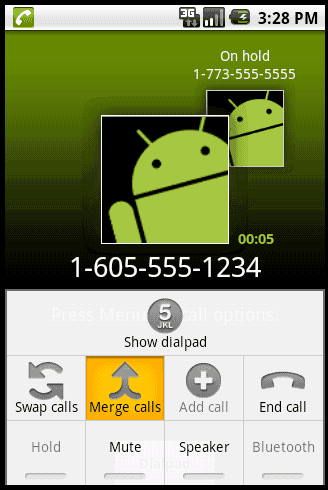
- 7. Both parties should be on the line now. The Conference call screen will appear.

- Repeat steps 2 through 7 to add more people to the call.
Dont forget to comment below......
